TECHNICAL REFERENCE
Model specifications
| Product series | 518 series |
|---|---|
| Wireless standard | Wi-Fi 6 (IEEE 802.11ax) |
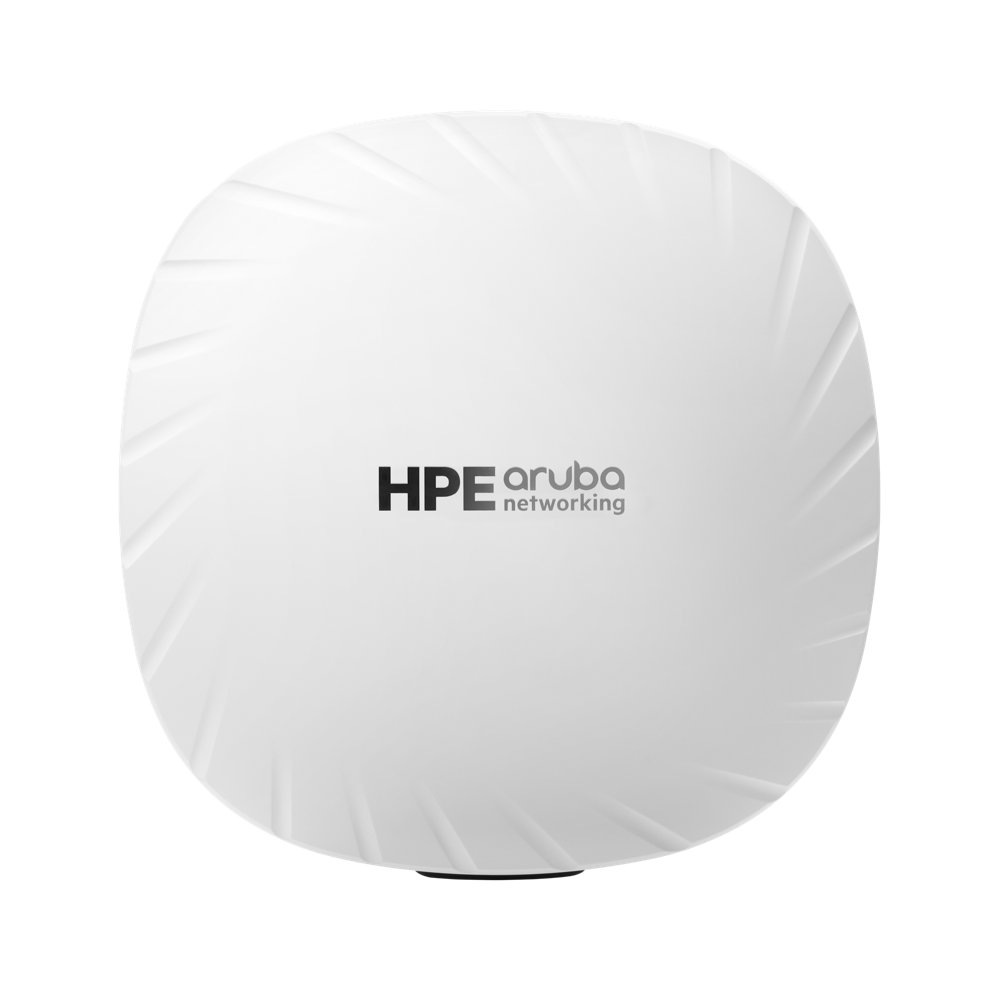
| Deployment type | Hardened access point |
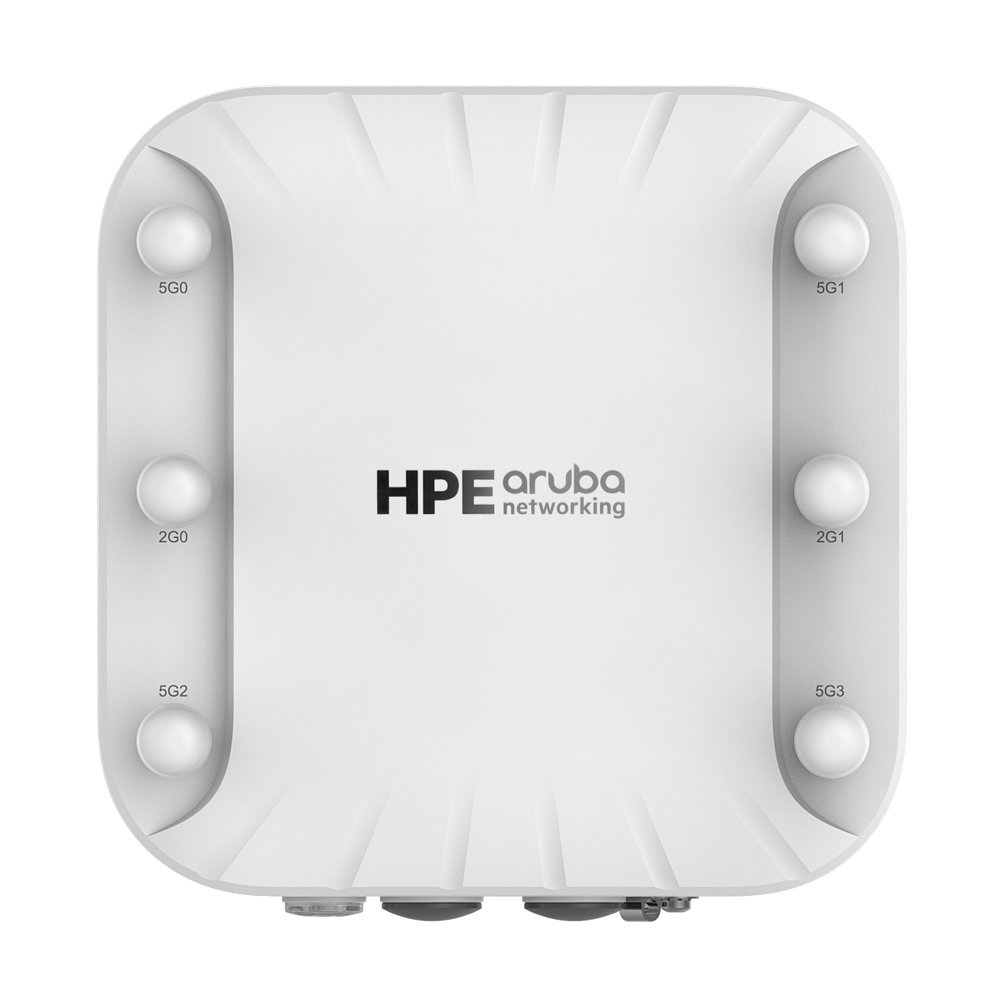
| Antenna design | 5 GHz: four RP-SMA connectors; 2.4 GHz: two RP-SMA connectors |
| Global hardware bands | 2.4 GHz / 5 GHz; subject to regional approval and software restrictions |
| Radios and MIMO | 2.4 GHz 2x2 MIMO;5 GHz 4x4 MIMO |
| Ethernet interfaces | 1 × 2.5GbE (E0);1 × 1GbE (E1) |
| Power requirements | E0 and/or E1: IEEE 802.3at/bt PoE (Class 4 or higher). Dual-port combining or priority mode. With a single 802.3at Class 4 input and IPM disabled, the other Ethernet port is disabled; IPM can impose dynamic restrictions. Single or dual 802.3af is not supported. |
| Installation environment | The data sheet lists IP55 and -40 to +55 degrees C operation; this is not equivalent to an IP67 fully exposed outdoor model |
Reference configurations & part numbers
Distinguish regional versions, bundles and licensing by the complete part number. These are reference entries, not a stock commitment.
| Part number | Configuration description | Regional code |
|---|---|---|
| R4H02A Quote this SKU ↗ | Aruba AP-518 (RW) Indr Hardened 11ax AP | RW |
| R4H07A Quote this SKU ↗ | Aruba AP-518 (RW) TAA Indr Hrdnd 11ax AP | RW |
Complete the deployment, not just the device
Destination & version
Provide the country, full SKU and operating environment. Regional hardware capabilities do not guarantee locally permitted bands.
Power & installation
Check power mode, PoE budget, mounting, antennas, airflow and included components.
Network & software
Confirm uplinks, optics, platform compatibility and the required software version.
Licensing & support
List device tier, features, subscription term, account ownership and support scope.